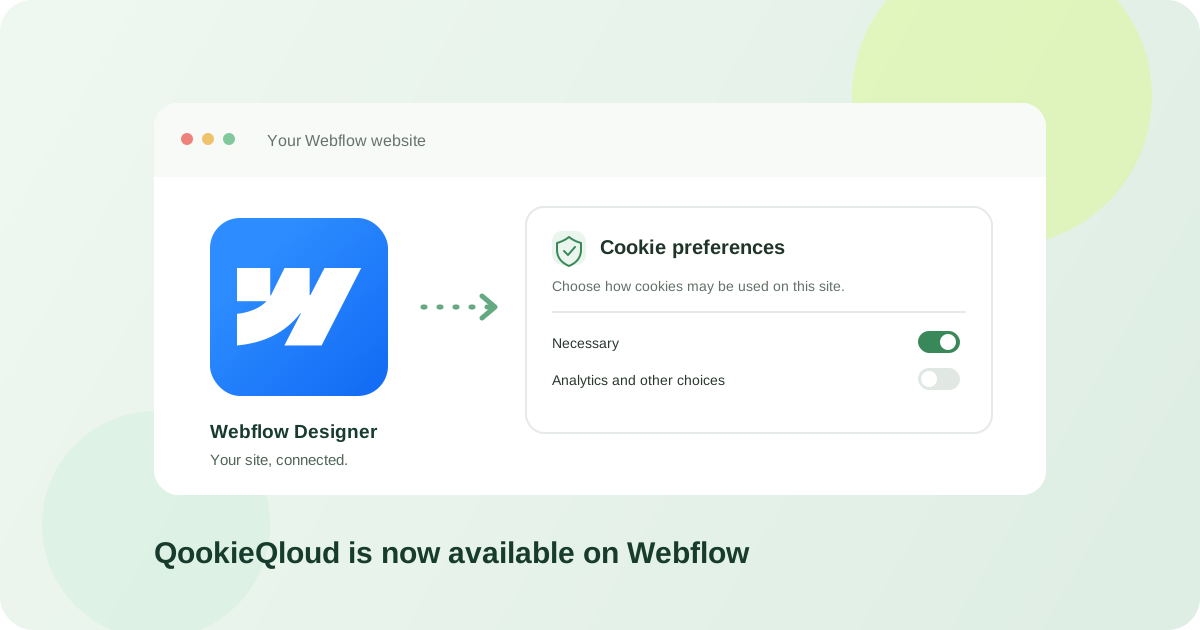
QookieQloud is now available in the Webflow Apps marketplace. The hybrid app brings a guided installation flow and consent tools into Webflow Designer, with the banner delivered through Webflow Custom Code.
Connect your Webflow site
Start the installation from Webflow and authorize QookieQloud for the site you want to connect. Sign in to QookieQloud or create an account, then select the authorized site and the domain that should use the banner. If the domain is already in your QookieQloud account, you can connect it during setup.
Install the banner and publish when ready
The app registers a small inline QookieQloud bootstrap with Webflow, then applies it to the site's header Custom Code. Once you publish the selected domain, that bootstrap loads QookieQloud's consent loader. You do not need to paste the banner script into the Designer, and publishing remains under your control.
Consent tools in Webflow Designer
Open the connected domain, customize the banner, and review discovered cookies and consent records from the Designer app. Account and reporting views remain available in QookieQloud. When Webflow’s Browser Consent Management API is available, the banner can also synchronize consent choices with Webflow Analyze and Optimize tracking.