A customer number in one business is an order reference in another. A privacy request form should make room for the identifier you actually use. You can now configure the DSR identification options for each domain in QookieQloud Premium.
Keep the useful fields
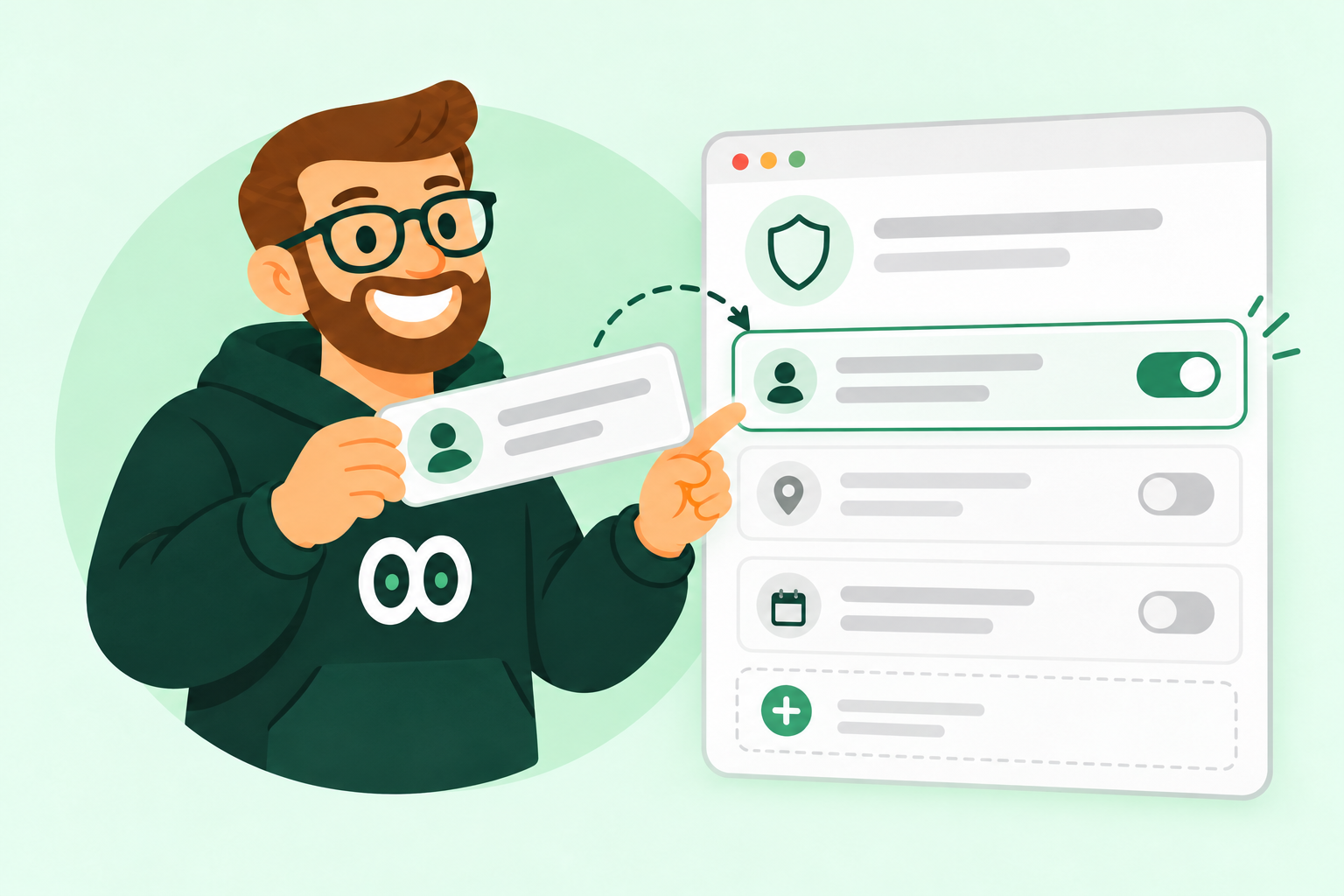
The existing five options are available as a default set. Turn off those that do not fit your business and add your own label, such as Fortnox customer ID. Visitors choose one active identifier and enter its value; they do not have to work through a list of unrelated fields.
One identifier? One input.
When only one option is active, the banner shows that input directly. When all are off, the entire identification section is hidden. Your custom field is a reference for handling the request, not an automatic integration or identity check.
A dedicated place for privacy requests
DSR settings now live under Settings → Privacy requests. Manage the banner’s DSR switch and identifier options together, then save. The submitted value is stored encrypted, and your custom field name follows the request into the admin view and emails—even if you change the configuration later.