Cookie compliance for Wix.
Add cookie consent to your Wix website with QookieQloud CMP. Install from Wix App Market, connect your domain and manage your banner, cookie scans and consent settings from QookieQloud.

QookieQloud for Wix
Why choose QookieQloud for Wix.
Designed specifically for modern digital agencies, developers, and store owners on Wix.
Automated Script Blocking
QookieQloud automatically detects third-party tags on Wix and prevents them from firing until the visitor has granted consent.
Google Consent Mode v2
Full native support for Google Consent Mode v2 without any coding required. Keep your Google Analytics & Ads models accurate.
Scheduled Cookie Scanning
When you add new scripts or update your Wix theme, our scheduled audit scanner automatically discovers new cookies and flags changes.
Connect Wix in three steps.
Install the app and connect your website without copying a banner script.
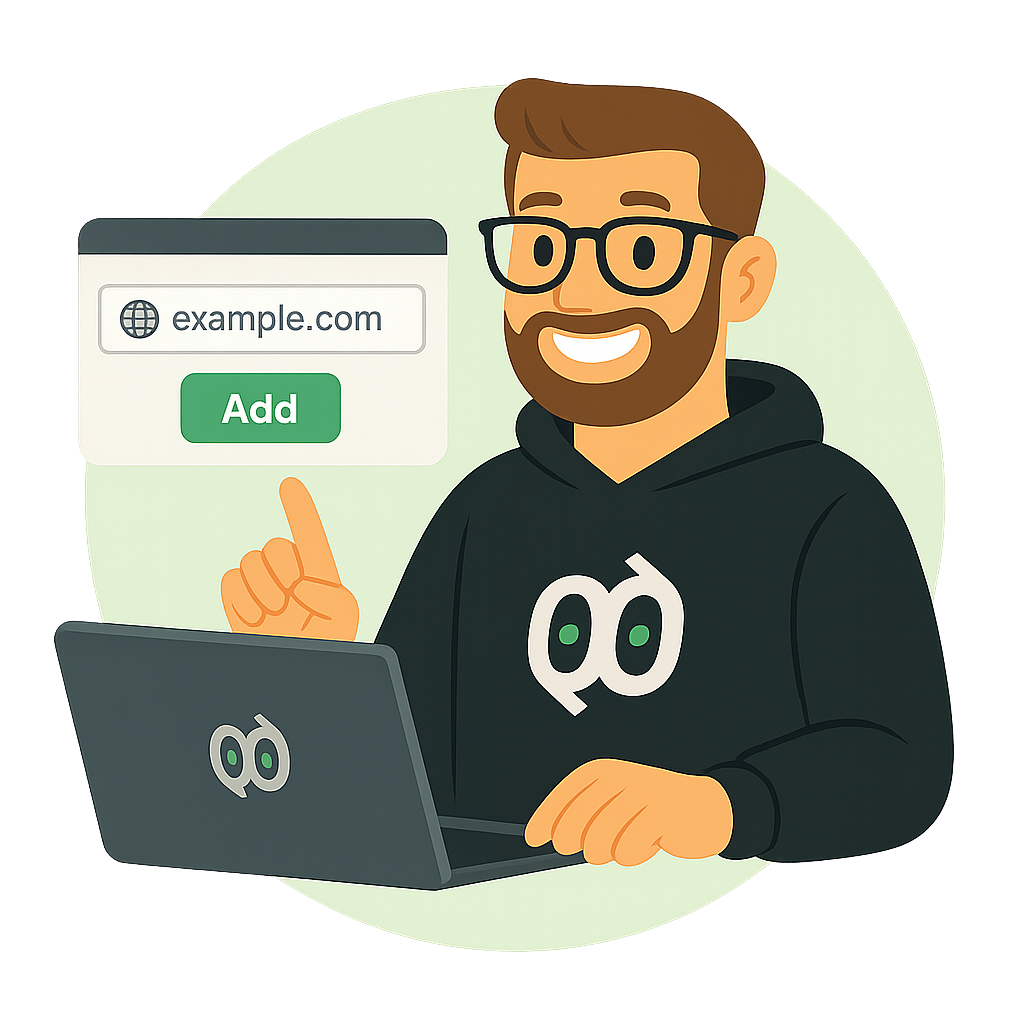
Install from Wix App Market
Add QookieQloud CMP to your Wix website and open the app in your Wix dashboard.
Wix App MarketConnect your domain
Sign in to QookieQloud or create an account. Confirm the domain suggested for your Wix site. If it already exists in your account, connect that domain instead of creating a duplicate.
Configure and review your banner
Choose your banner design, review scanned cookies and configure your services and consent settings. Check the banner on your published website.
Cookie consent for your Wix website
Customize your banner, review cookie scans and manage consent settings in QookieQloud. The app installs the banner through the Wix integration, so you do not need to paste a script into the editor.
Keep your website and domain connected
Open QookieQloud from the Wix dashboard to see your connection and plan. Your Wix domain is suggested during setup; confirm it before connecting. If you are moving an existing QookieQloud domain to Wix, review and approve the change in the connection dialog.
Plans for each domain
Subscriptions apply to individual domains, not your entire account. Select or upgrade your Wix plan through Wix checkout. Review the features, billing period and price shown there before confirming.
Review your cookies and services
Cookie scanning helps build your cookie declaration. Known cookies can use the cookie catalogue; unknown cookies can receive AI-assisted classification. Review the results and configure the services you want QookieQloud to load with consent. Scripts installed separately on your site may need their own consent configuration.
Already using a custom script?
Remove the previous manually installed QookieQloud banner when switching to the app, so your site does not load two banners. Check your published site after the change.
Frequently Asked Questions about Wix.
Got questions about integrating QookieQloud with Wix? Here are quick answers.
How do I install QookieQloud on Wix?
Add QookieQloud CMP to your site from the Wix App Market and open the app in your Wix dashboard. Sign in to QookieQloud, choose or create the account to use, then confirm the Wix domain to connect. The app adds the banner to your Wix site; you do not need to paste a banner script into the editor.
What if my Wix domain is already in QookieQloud?
Choose the existing domain in the connection flow instead of creating a duplicate. If QookieQloud asks whether to switch the domain to Wix, review the choice and confirm it to continue.
How do Wix subscriptions and upgrades work?
A QookieQloud subscription is attached to an individual domain. Choose or upgrade the plan from the Wix app, then review the plan, billing period and price shown in Wix checkout before confirming.
I already added the QookieQloud banner manually. What should I do?
When switching to the Wix app, remove the previous manually added QookieQloud banner code from your site to avoid loading two banners. After connecting the app, publish your Wix site and check the live page.
Explore other QookieQloud integrations
Connect QookieQloud across all your web projects
Ready to make your Wix site fully compliant?
Run a free instant cookie scan today and see what third-party cookies your visitors receive before consent.