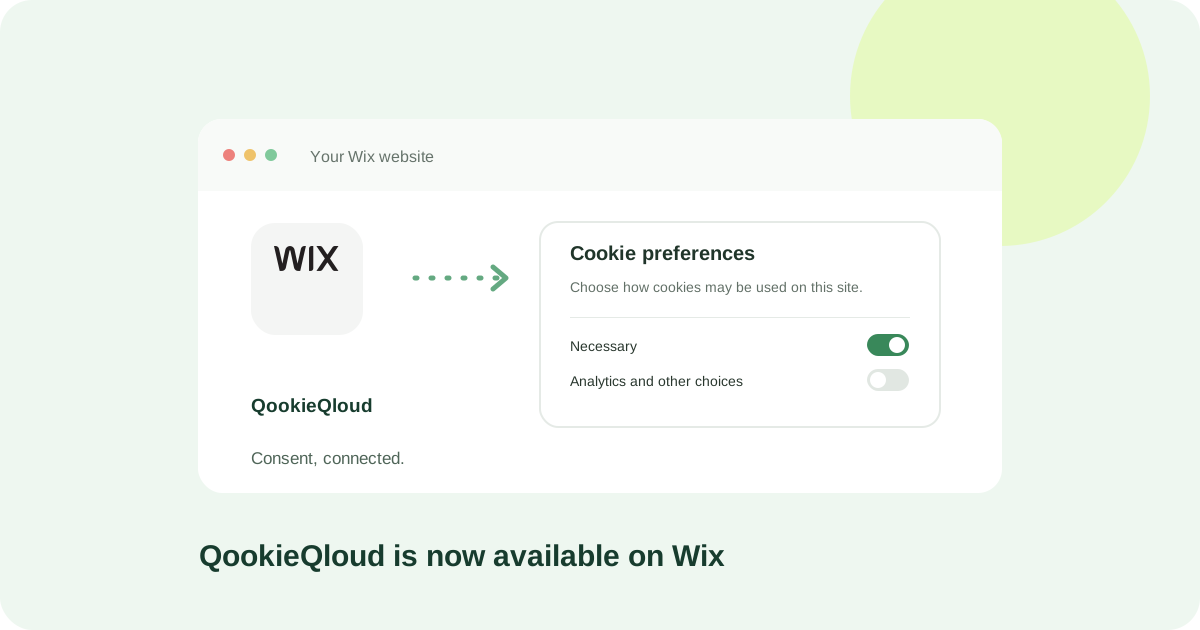
QookieQloud CMP is now available in the Wix App Market. Wix site owners can add a consent banner, review cookie scans and manage settings through QookieQloud.
Connect your Wix site
Add the app from Wix App Market and open it in your Wix dashboard. Sign in to QookieQloud or create an account, then confirm the Wix domain to connect. The app adds the banner through the Wix integration; you do not need to paste a script into the editor.
If the domain is already in your QookieQloud account, choose it in the connection flow. Review and confirm any prompt to switch its platform to Wix.
Manage plans per domain
QookieQloud subscriptions apply to individual domains. Choose or upgrade your plan through the Wix app and review the plan, billing period and price in Wix checkout before confirming.
Review cookies and consent settings
Cookie scans help you review what your site stores. Catalogue matches do not require AI; unfamiliar cookies may receive AI-assisted suggestions for you to review. Configure services and consent behavior, then check the banner on your published Wix website.
Moving from a manual installation?
Remove previous manually added QookieQloud banner code when switching to the Wix app to avoid loading two banners. Publish your site and verify the live page.