Cookie compliance for Framer.
Add QookieQloud cookie consent to your Framer website. Connect your account, install your banner from the editor and publish your site.

QookieQloud for Framer
Why choose QookieQloud for Framer.
Designed specifically for modern digital agencies, developers, and store owners on Framer.
Automated Script Blocking
QookieQloud automatically detects third-party tags on Framer and prevents them from firing until the visitor has granted consent.
Google Consent Mode v2
Full native support for Google Consent Mode v2 without any coding required. Keep your Google Analytics & Ads models accurate.
Scheduled Cookie Scanning
When you add new scripts or update your Framer theme, our scheduled audit scanner automatically discovers new cookies and flags changes.
Set up QookieQloud in Framer.
Connect your domain, install the banner and publish when you are ready.
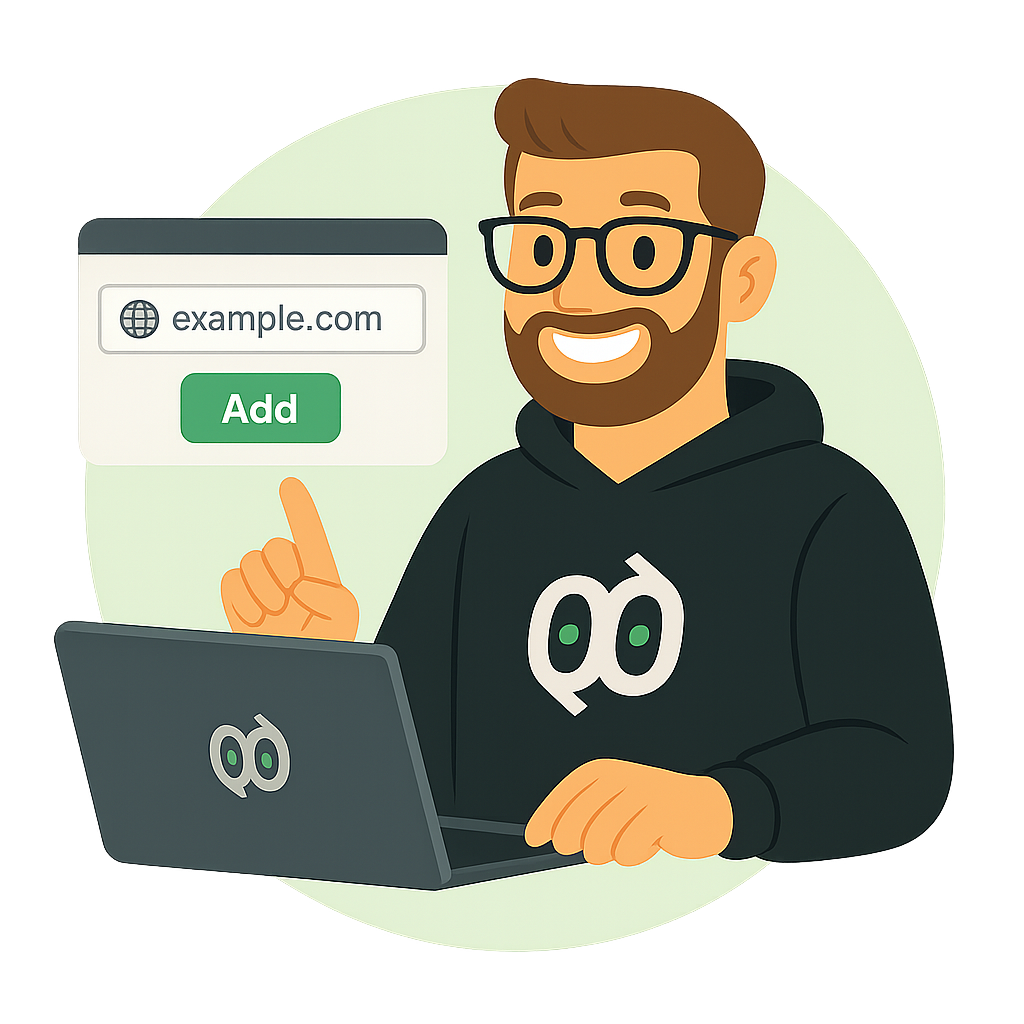
Open the plugin
Open QookieQloud from Framer Marketplace in the project you want to connect.
Framer MarketplaceConnect your account
Choose Connect / manage aliases. Sign in to QookieQloud, choose or create a domain and approve the connection. Your public Site Key returns to the plugin automatically.
Install and publish
Install the banner in the plugin, then publish your Framer site. Verify accept, decline and category choices on the published website. Publish again after updating or removing the banner.
Consent tools inside your Framer project.
Connect your site and open banner design and domain settings directly from the plugin.
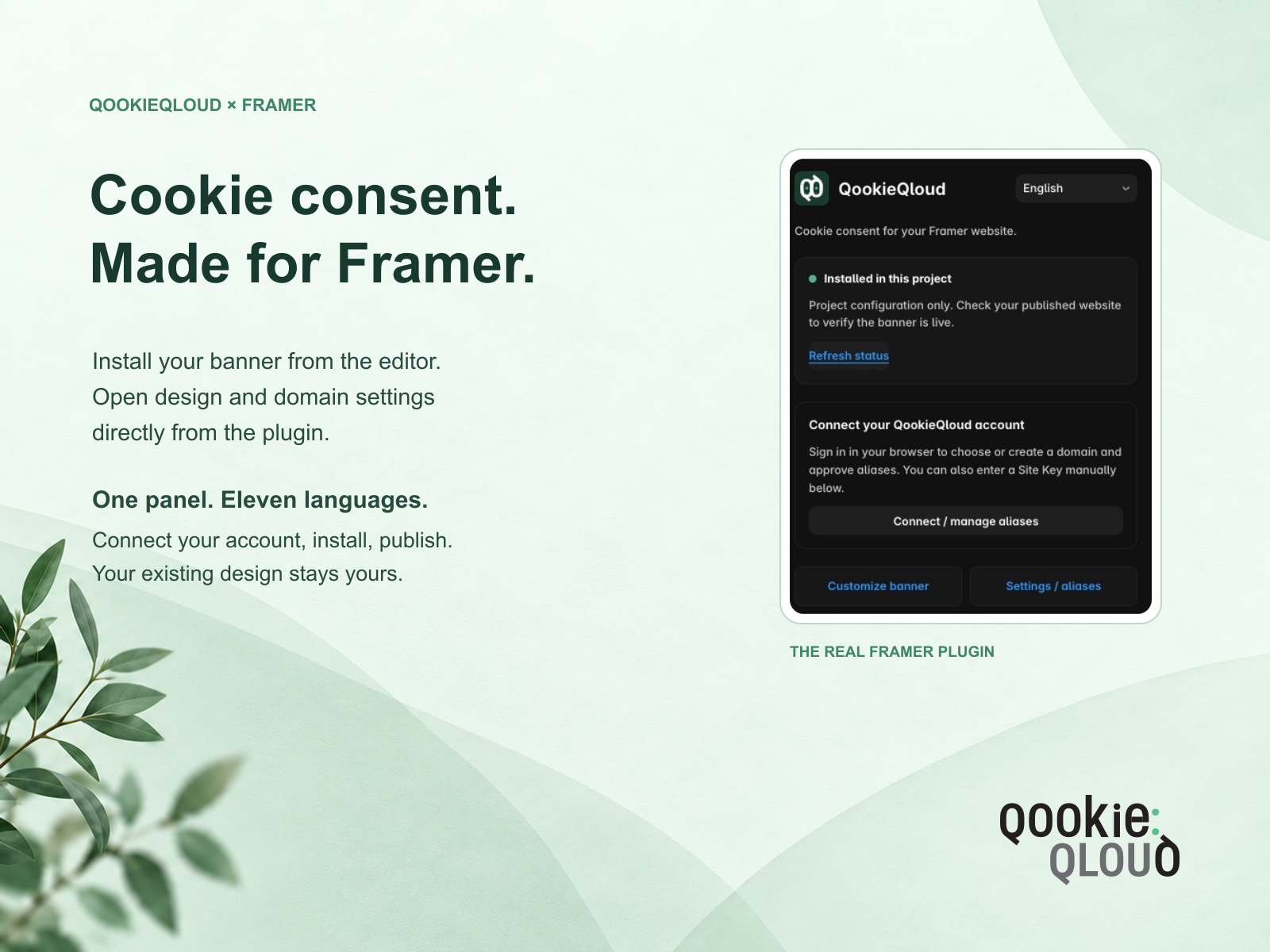
Guided connection
Choose your domain in QookieQloud and return to Framer without copying keys.
Your banner design
Open Customize banner to adjust the connected domain’s banner in QookieQloud.
Publish under your control
Install, update or remove the banner in the plugin. Publish in Framer to apply the change.
QookieQloud for Framer connects your project to a QookieQloud domain. An account is required. The plugin supports eleven interface languages.
Before going live
Review your banner design and cookie categories in QookieQloud. If you use a preview address or another hostname, approve it as an alias for the connected domain. Verify the banner on your published site after every installation, update or removal.
Plans and support
Available features and limits depend on your QookieQloud plan. For connection questions, contact our team.
This service is independent of Framer and is not authorized by, endorsed by, sponsored by, affiliated with, or otherwise approved by Framer B.V.
Frequently Asked Questions about Framer.
Got questions about integrating QookieQloud with Framer? Here are quick answers.
How do I connect QookieQloud to Framer?
Open QookieQloud in Framer Marketplace in your project. Choose Connect / manage aliases, sign in to QookieQloud and choose or create a domain. Approve the connection; your public Site Key returns to the plugin automatically. See the Framer integration.
Do I need to publish my Framer site after changing the banner?
Yes. Install, update or remove the banner in the plugin, then publish your Framer site to apply the change. Check the banner and consent choices on the published website.
Can I use a Framer preview address or another domain alias?
Yes. Add the full preview or additional website address as an allowed alias for the connected domain in QookieQloud. The protocol, hostname and port must match. Aliases use the same banner settings and consent records as the connected domain.
Explore other QookieQloud integrations
Connect QookieQloud across all your web projects


Ready to make your Framer site fully compliant?
Run a free instant cookie scan today and see what third-party cookies your visitors receive before consent.