Take full control of consent behavior across countries
What are Regional Overrides?
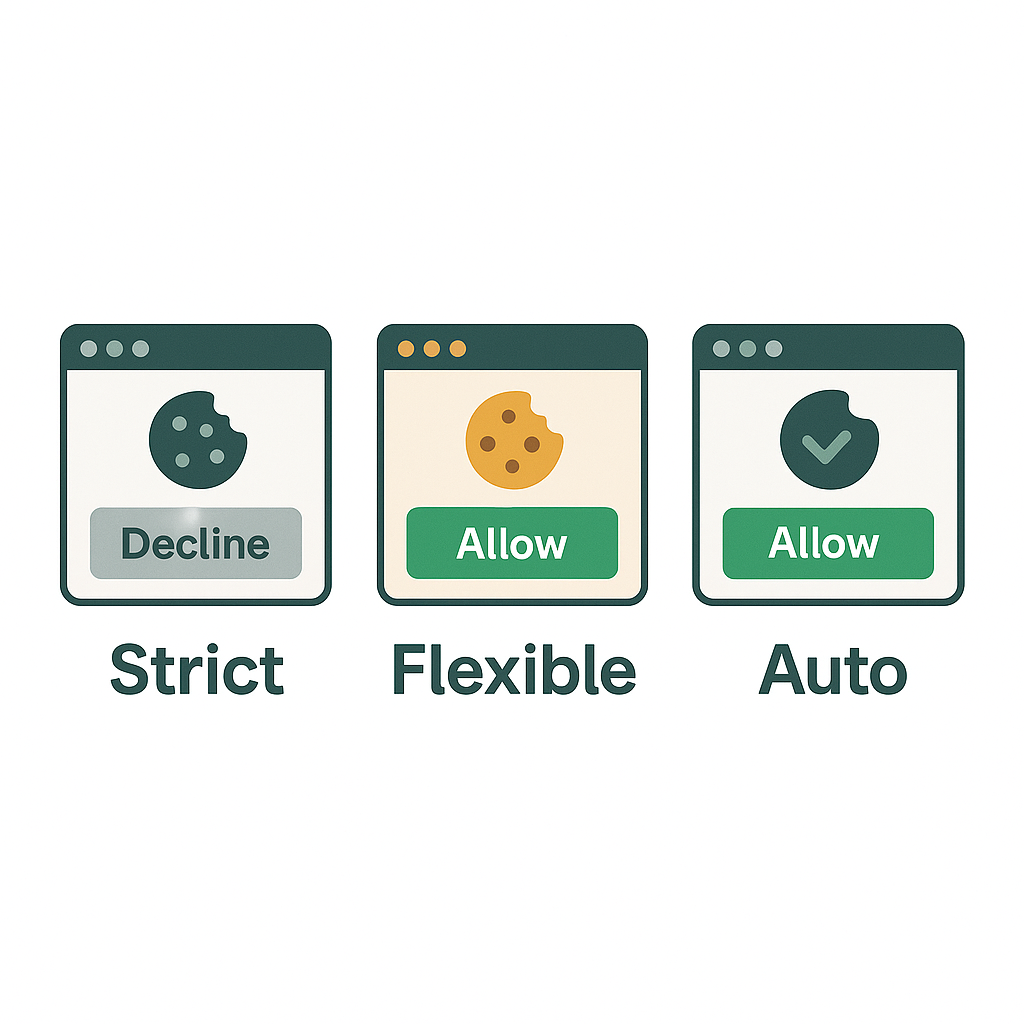
While QookieQloud’s Auto Mode applies a smart default per visitor region, sometimes you need even more control. That’s where Regional Overrides come in.
With overrides, you can force a specific Consent Mode (Strict or Flexible) per country — regardless of the automatic logic.
Common use cases
You want Strict Mode in China for extra security
You want Flexible Mode in the US, even though default is Strict
You want to test a relaxed setup in a specific market
You’re under legal pressure in certain countries
How to enable Regional Overrides
From the sidemenu, click:
Customize > Mode
Select Auto Consent Mode.
This will show the Regional Overrides area. Click “Add country override“
Choose country, and select Consent mode.
You can add as many country-specific overrides as needed.
Note: Changes apply in real-time — no redeployment needed.
What happens if no override exists?
If a visitor’s country doesn’t have an override, QookieQloud falls back to the domain’s Auto mode (Strict or Flexible depending on visitors country).
Good to know:
IP-based country detection is fast and privacy-safe
Overrides are ideal for agencies or SaaS platforms
You can update your overrides anytime without affecting banner UI